The email "The Certiverse vouchers you requested are ready" informs recipients that their vouchers are available and directs them to view them in the "Voucher Purchases" section of the Voucher Portal.
The email is sent automatically once the requested vouchers are processed and accessible in the Voucher Portal.
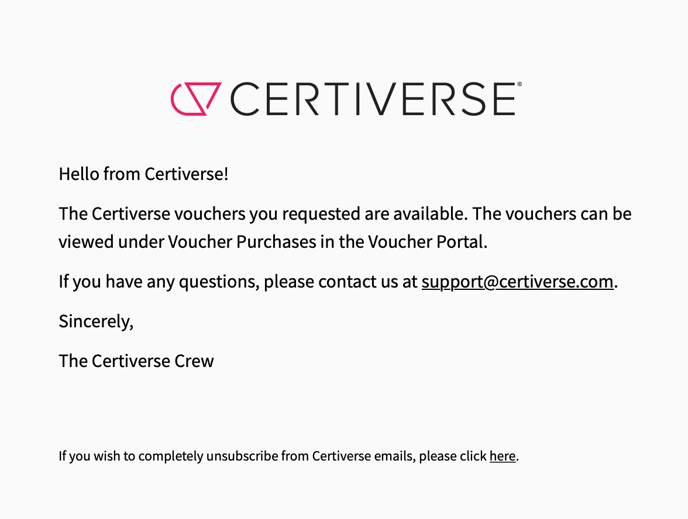 Actions Required:
 Actions Required:
- Recipients should log in to the Voucher Portal
- Navigate to the "Voucher Purchases" section to view their vouchers.
Notes
-
Users can find their purchased vouchers in the Voucher Portal under Voucher Purchases.
Troubleshooting
1. User cannot find vouchers in the portal
-
Ensure they are checking under Voucher Purchases.
-
Admin receives an in-app notification.
2. Email was not received
-
Instruct the user to check their spam or junk folder.
-
Confirm the email address used for the request.
3. User wants to unsubscribe from emails
-
Guide them to click the unsubscribe link provided in the email.
-
Unsubscribing may prevent them from receiving important notifications.
This email enhances user satisfaction by simplifying voucher retrieval and offering support contact details, thereby streamlining the process.
Updated
Comments
0 comments
Please sign in to leave a comment.